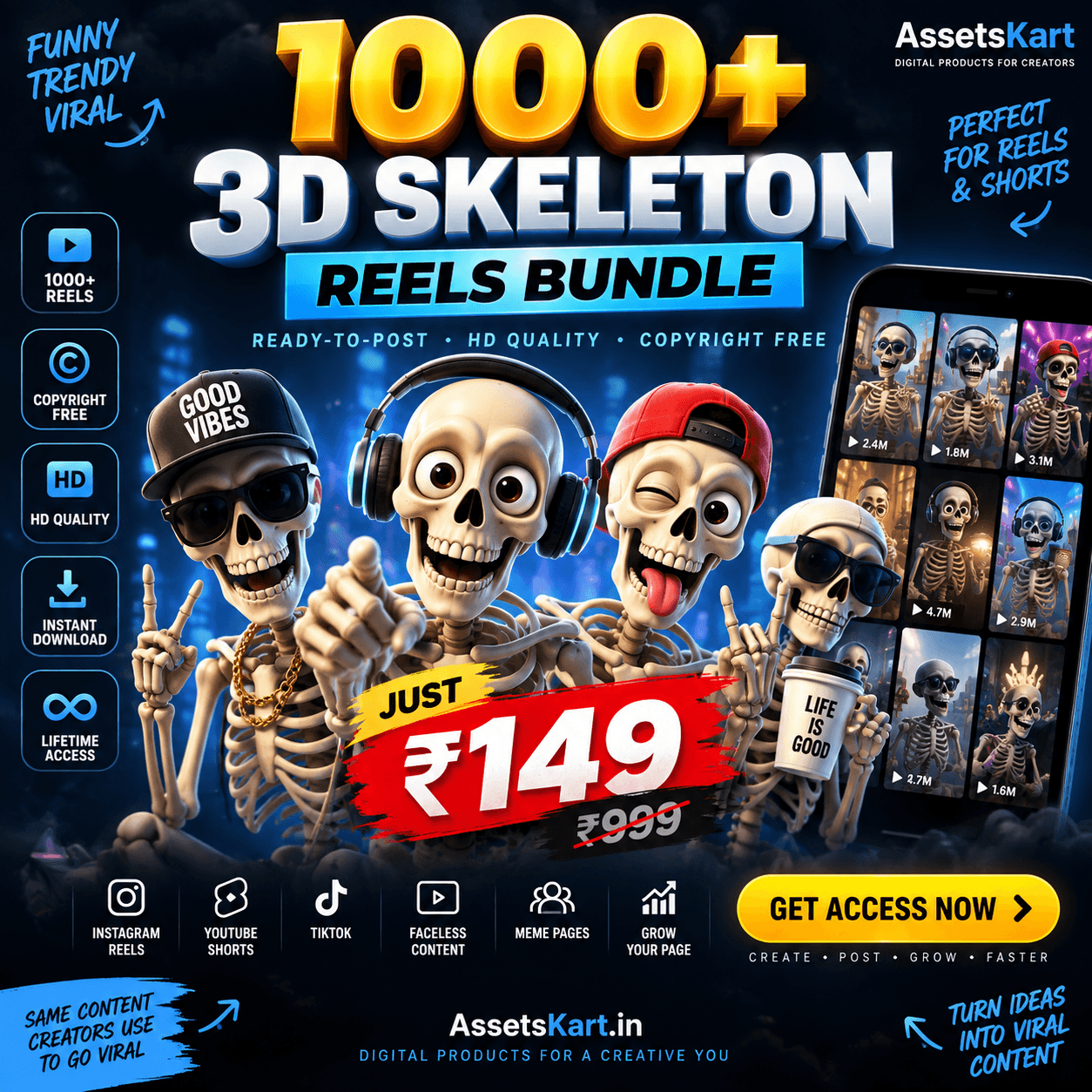
1000+ AI Skeleton Reels Bundle: A Practical Content Guide
Learn how to turn AI skeleton clips into themed reels with original hooks, captions and a simple content plan using the 1000+ AI Skeleton Reels Bundle.
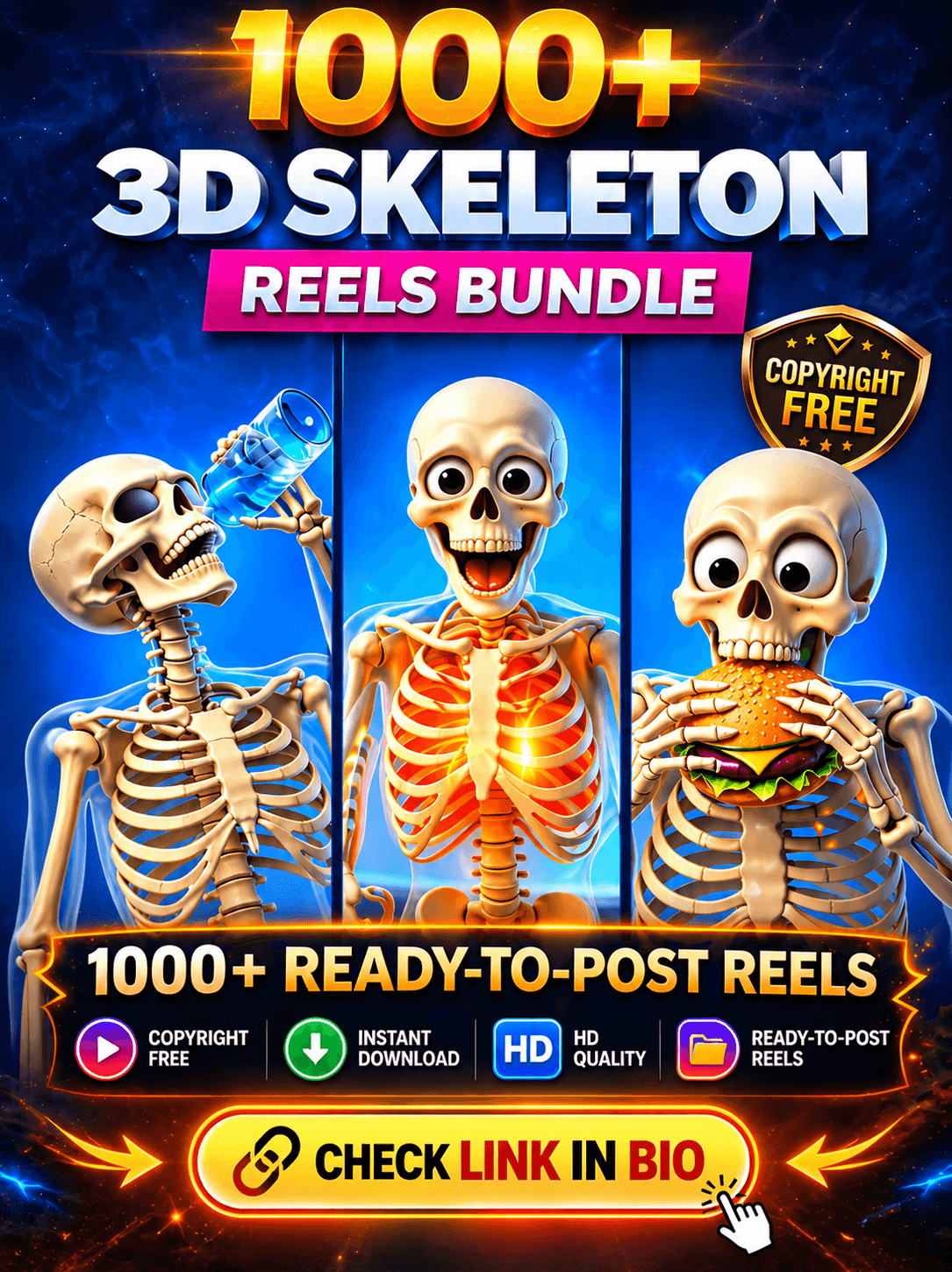
An AI skeleton clip can be the starting point for a short story, a funny observation or a themed video series. What makes the finished reel your own is the idea you build around it: the opening line, the edit, the voiceover and the ending.
If you are exploring the 1000+ AI Skeleton Viral Reels Bundle on AssetsKart, this guide explains how to plan and personalise your content. Start by checking the product page for the included files, previews and usage terms.
Start with a clear content theme
Before choosing a clip, decide what your page is about. A consistent theme makes it easier to choose footage and write captions that fit together.
Possible creative directions include:
- Everyday humour about work, studying or routines.
- Fictional mini-stories with a recurring skeleton character.
- Motivational videos built around your own narration.
- Behind-the-scenes posts showing how you edited a clip.
Choose a direction that suits the footage actually included in your bundle. Avoid adding a caption that promises something the clip never shows.
Build one reel around one idea
A simple structure can help you turn a clip into a complete post.
1. Write the opening line
Give the viewer a reason to understand or care about the scene. For a humorous clip, you could try:
“My motivation arriving after the deadline.”
For a story, introduce a situation:
“He had one job. Then this happened.”
These are starting points. Rewrite them to match the action in your chosen clip.
2. Match the edit to the message
Trim sections that do not support the idea. Place captions where they remain readable, and preview the finished video on a phone.
If you use narration, keep background audio quiet enough for the words to be clear. Add subtitles and check that they match what is being said.
3. Give the reel an ending
Finish the joke, resolve the scene or give the viewer a clear takeaway. A question can work when it naturally fits the video, such as asking which ending viewers would choose.
Personalise clips before publishing
Using a bundle does not mean every post needs to look the same. Build a recognisable style through your own creative choices.
- Write original hooks and captions.
- Add your own narration where it improves the idea.
- Use consistent fonts and text placement.
- Create a recurring series with connected episodes.
- Choose audio you have permission to use.
- Keep any required creator credits intact.
Editing footage does not change its licence. Check the bundle’s terms before using clips commercially, reselling files or sharing the original downloads.
Try a small content plan first
Rather than working through hundreds of clips at once, select a few and test different approaches.
- Post one: introduce your skeleton character.
- Post two: create an everyday-life joke.
- Post three: tell a short fictional story.
- Post four: show the editing process.
- Post five: make a follow-up to the idea your audience responded to.
Use this as a flexible plan. Only publish a clip when its message and editing feel complete.
Review the response to each idea
Keep a simple record of the clip, opening line, topic and audience response. Where your platform provides them, review watch time, shares, saves and comments alongside views.
Look for repeated patterns across several posts. One successful reel is a useful clue, but it does not prove every similar reel will perform the same way.
Use what you learn to improve your next opening line, shorten an unclear section or develop a stronger follow-up.
What to check before choosing a bundle
The number of clips is only one part of the decision. Review the product listing and previews for:
- Whether the visual style fits your page.
- File formats and resolution.
- Whether audio is included.
- Delivery and access details.
- Commercial-use permissions and restrictions.
- Whether your editing app can open the files.
If a detail is missing, clarify it before buying.
Does a viral reels bundle guarantee views?
No. “Viral” in a bundle name is not a promise that your posts will go viral. Results depend on the finished content, the audience and how people respond.
Treat the 1000+ AI Skeleton Viral Reels Bundle as source material for your creative work. Choose suitable clips, add a clear idea and develop a style that viewers can recognise.
Explore the related product below to review its current contents, previews, price and access details before deciding whether it suits your content plan.